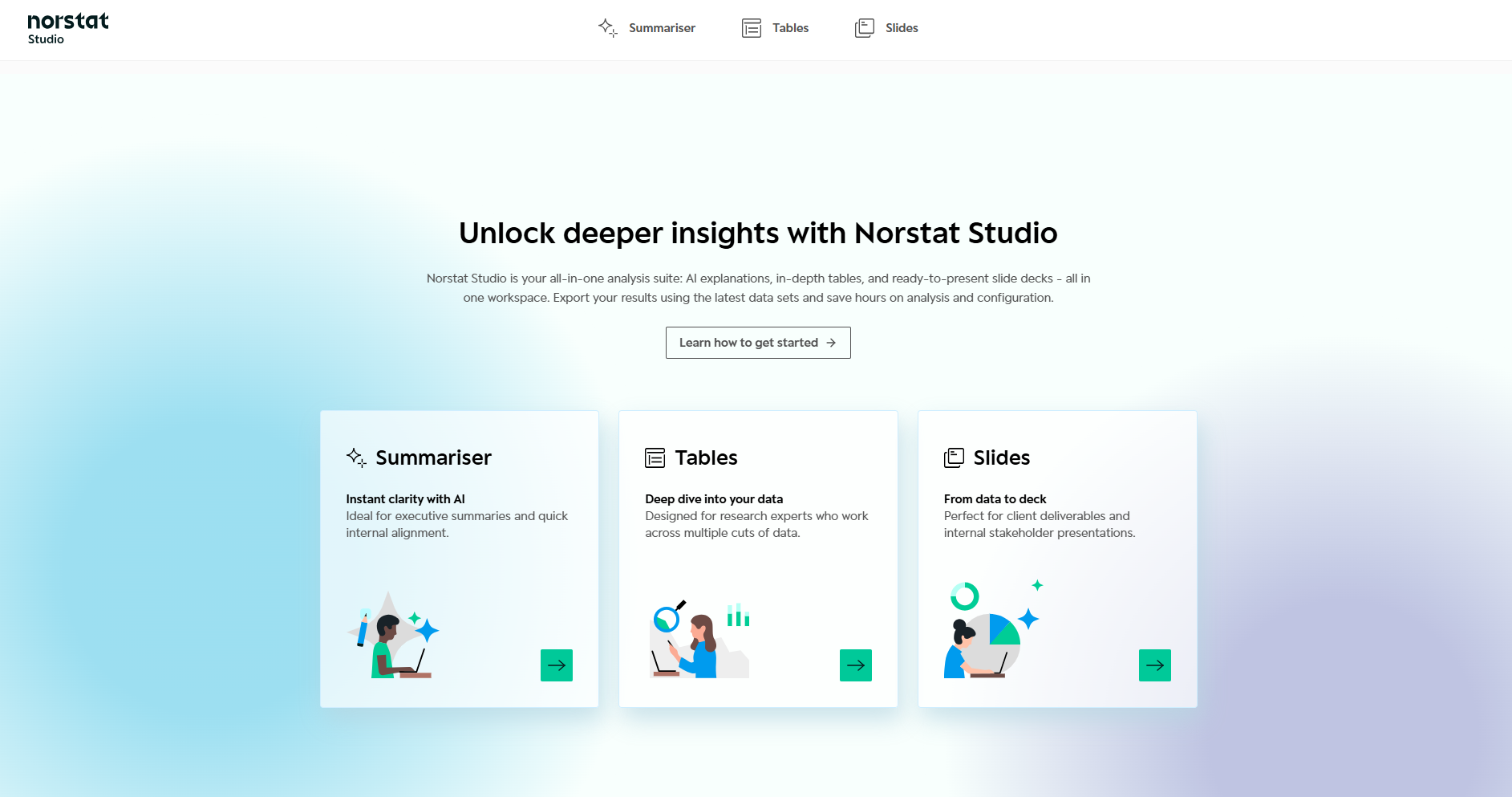
Norstat Studio is designed to take your data delivery to the next level.
It gives you a smarter way to work with your results: summarise findings, create and customise data tables to explore results in the way that works best for you, and generate PowerPoints for reporting. Everything in one place, saving you time and effort.
Summariser
Summariser uses AI to turn your dataset into clear, written insights. It helps you quickly understand key findings and identify patterns across your data.
You work with prompts to generate summaries, question-level insights, and verbatim analysis - giving you themes, sentiment, and key takeaways on your open-ended questions.
Summariser respects the Headers and Filters you define in Tables and can reuse insights directly in Tables and Slides.
Learn how to get started with Summariser here.
Tables
Tables is where you explore and structure your data. Build and customise cross-tables, apply filters, create headers, and compare results across variables.
You control how data is grouped through Headers, Presets, and Table settings. These settings define what Summariser analyses and how results are structured in Slides.
Tables also lets you create Nets, calculate Means, read grid questions as a single combined table, transpose rows and columns in one click, and download both table outputs and the latest version of raw data.
Learn how to get started with Tables here.
Slides
With Slides, you can turn your data into PowerPoint presentations for reporting directly within the platform.
Choose chart types, customise layouts, and include AI-generated insights from Summariser to produce polished decks in a few minutes.
You can now import your own PowerPoint as a branded template - Studio reads your colours, fonts, logo and masters automatically. Reuse it across projects to ensure consistent, on-brand output every time.
Learn how to get started with Slides here.
Was this article helpful?
That’s Great!
Thank you for your feedback
Sorry! We couldn't be helpful
Thank you for your feedback
Feedback sent
We appreciate your effort and will try to fix the article